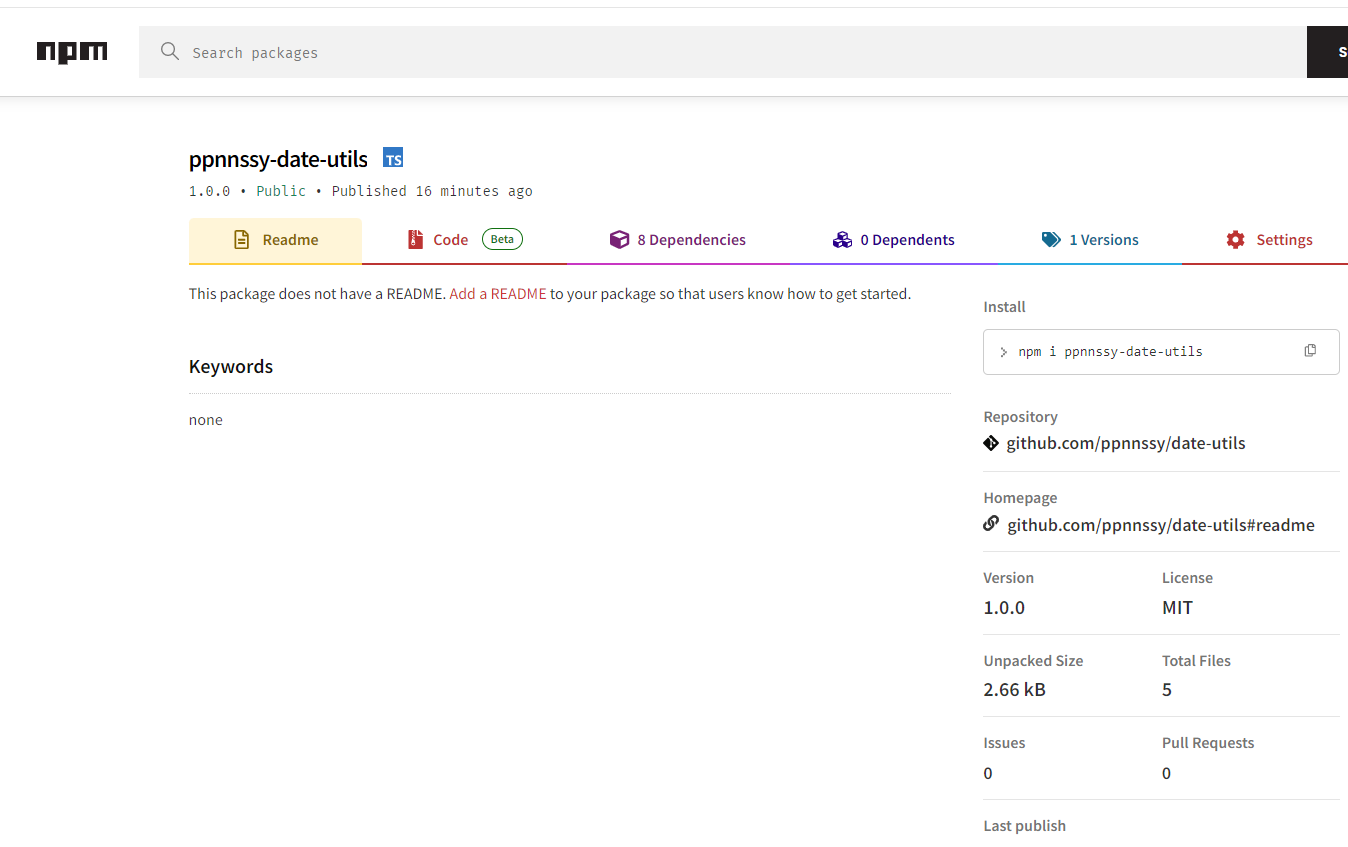
发布自己的npm包教程

1.起因
起因是前两个项目,用了不少格式化时间的函数,都是在项目中的 utils 文件夹中写着。npm 上肯定有现成的依赖包,但是我想发布一个自己的。 一是能自定义功能,方便自己的项目使用,二是学习一下怎么发布
2.项目准备
首先要有个 github 的代码仓库。新建一个,拉取下来:
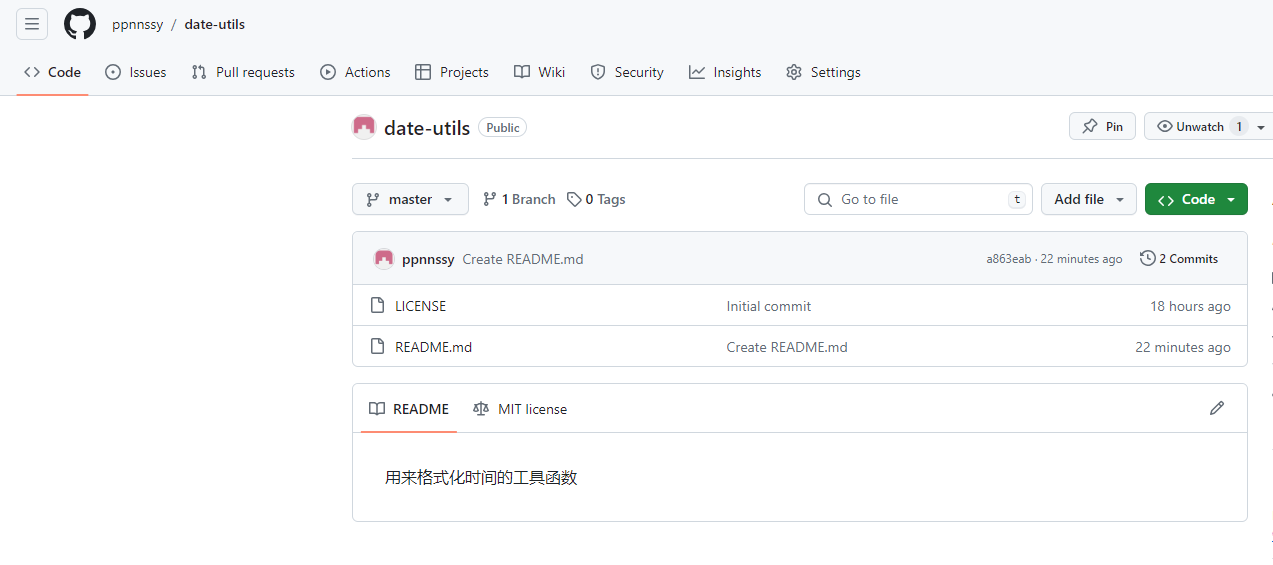 注意新建的时候选择 license,这是开源协议,没有的话没法发布 npm 包,后面 package.json 配置文件中也会有这一项
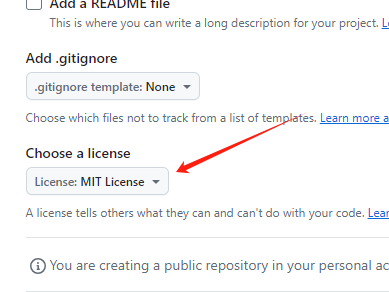
运行 npm init,创建初始的 package.json 文件
安装依赖。这次选择的是 rollup 作为打包工具。其实也能选择别的,比如 webpack。看特性选择吧
pnpm add rollup
安装插件
pnpm add @rollup/plugin-commonjs @rollup/plugin-node-resolve @rollup/plugin-typescript
pnpm add tslib typescript
pnpm add rollup-plugin-terser rollup-plugin-cleanup
关于插件的功能,可以百度看看
rollup-plugin-terser 插件用于代码压缩
rollup-plugin-cleanup 插件用于去除无效代码
由于要使用 ts 写代码,所以配置 ts 环境
npx tsc --init
3.项目配置
修改 tsconfig.json 文件如下:
{
  "compilerOptions": {
    "baseUrl": ".",
    "target": "es5",
    "lib": ["dom", "dom.iterable", "esnext"],
    "allowJs": true,
    "skipLibCheck": true,
    "esModuleInterop": true,
    "allowSyntheticDefaultImports": true,
    "strict": true,
    "forceConsistentCasingInFileNames": true,
    "noFallthroughCasesInSwitch": true,
    "module": "esnext",
    "moduleResolution": "node",
    "resolveJsonModule": true,
    "isolatedModules": true,
    "downlevelIteration": true,
    // 是否自动创建类型声明文件
    "declaration": true,
    // 类型声明文件的输出目录
    "declarationDir": "dist/types",
    // 只生成声明文件,而不会生成js文件
    "emitDeclarationOnly": true,
    // 指定输出文件目录(用于输出),用于控制输出目录结构
    "rootDir": "src",
    "paths": {
      "@/*": ["src/*"],
      "@types/*": ["src/types/*"],
      "@utils/*": ["src/utils/*"]
    }
  },
  "include": ["src"]
}
如果要为工具库生成类型声明文件则必须有如下配置
{
	// 是否自动创建类型声明文件
    "declaration": true,
    // 类型声明文件的输出目录
    "declarationDir": "dist/types",
    // 只生成声明文件,而不会生成js文件
    "emitDeclarationOnly": true,
    // 指定输出文件目录(用于输出),用于控制输出目录结构
    "rootDir": "src",
}
配置rollup(配置打包工具真是让人头大),参考https://www.rollupjs.com/
在项目根目录下新建文件rollup.config.js,关于rollup的详细配置可参考官网教程。对于我们的工具库而言,rollup可简单配置如下:
import resolve from '@rollup/plugin-node-resolve';
import commonjs from '@rollup/plugin-commonjs';
import typescript from '@rollup/plugin-typescript';
import { terser } from 'rollup-plugin-terser';
import cleanup from 'rollup-plugin-cleanup';

export default [
    {
        input: './src/index.ts',
        output: {
            dir: 'dist',
            format: 'cjs',
            entryFileNames: '[name].cjs.js',
        },
        plugins: [resolve(), commonjs(), typescript(), terser(), cleanup()],
    }, {
        input: './src/index.ts',
        output: {
            dir: 'dist',
            format: 'esm',
            entryFileNames: '[name].esm.js',
        },
        plugins: [resolve(), commonjs(), typescript(), terser(), cleanup()],
    }
];
这里要注意,因为使用了import引入,所以package.json中要配置"type": "module",否则打包的时候报错
4.写代码
新建src/index.ts文件。写个函数:
// 返回传入的日期是今年的第几天,如果不传参数则默认是当前日期
export const dayOfYear = (date?: Date | string): number => {
  let formatDate = null;
  if (!date) {
    formatDate = new Date();
  } else {
    formatDate = typeof date === "string" ? new Date(date) : date;
  }
  // 如果传入的是无效的字符串,那么就默认是当前日期
  if (!formatDate.getFullYear) {
    formatDate = new Date();
  }
  const year = formatDate.getFullYear();
  const firstDayOfYear = new Date(year, 0, 0);
  const timeGap = formatDate.getTime() - firstDayOfYear.getTime();
  return Math.floor(timeGap / 1000 / 60 / 60 / 24);
};
完善package.json文件
{
  "name": "ppnnssy-date-utils",
  "version": "1.0.0",
  "description": "前端时间相关工具函数",
  "main": "./dist/index.cjs.js",
  "module": "./dist/index.esm.js",
  "types": "./dist/types/index.d.ts",
  "files": [
    "dist"
  ],
  "scripts": {
    "dev": "rollup -w -c",
    "test": "echo \"Error: no test specified\" && exit 1",
    "build:types": "tsc -b ./tsconfig.json",
    "build": "npm run build:types && rollup -c"
  },
  "repository": {
    "type": "git",
    "url": "git+https://github.com/ppnnssy/date-utils.git"
  },
  "author": "ppnnssy",
  "license": "MIT",
  "dependencies": {
    "@rollup/plugin-commonjs": "^25.0.7",
    "@rollup/plugin-node-resolve": "^15.2.3",
    "@rollup/plugin-typescript": "^11.1.6",
    "rollup": "^4.17.2",
    "rollup-plugin-cleanup": "^3.2.1",
    "rollup-plugin-terser": "^7.0.2",
    "tslib": "^2.6.2",
    "typescript": "^5.4.5"
  },
  "type": "module"
}
问一下AI其中某些字段的含义:
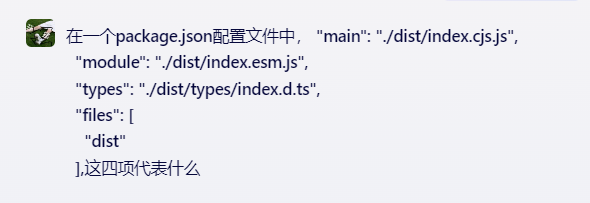
文心一言这样回答的:
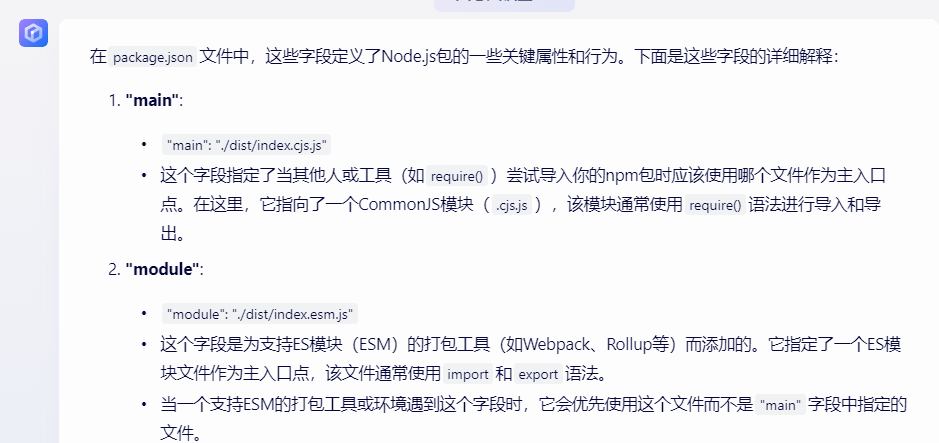
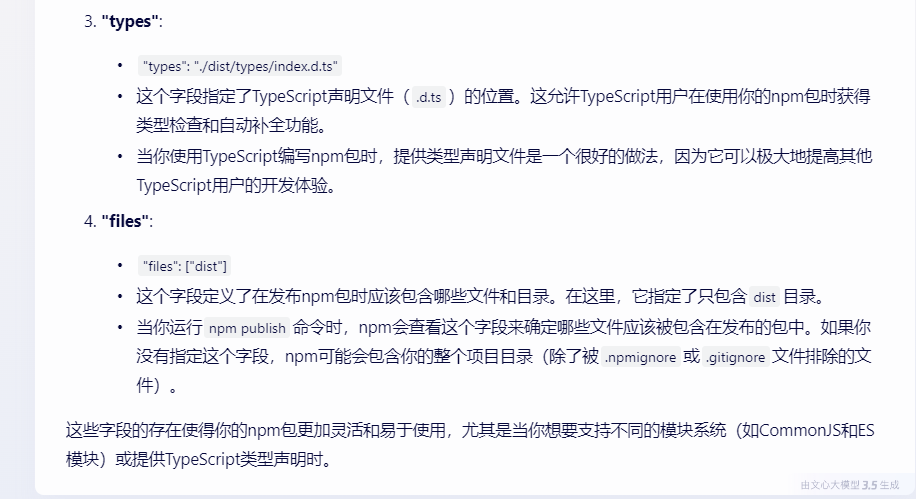
还行,当个搜索引擎还没有太智障
5.打包发布
打包文件:
pnpm build
生成了dist文件夹,目前的文件结构:
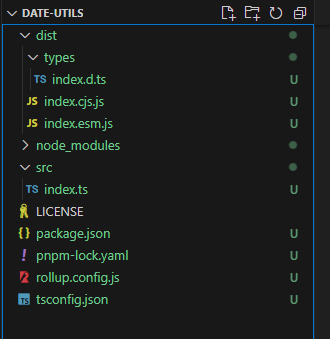
注册个npm账号,然后在终端登录:
npm login
可能需要验证一下
登录之后发布
npm publish
成功的话就能看到自己的包了